
Start with the basics
See how a computer learns from examples, what happens when you ask a chatbot a question, and why a convincing answer can still be wrong.
An illustrated handbook
Learn what artificial intelligence is, how its tools work, and what you can do with them. Start on page one, even if this is all new to you.
Coming to iPhone and iPad.
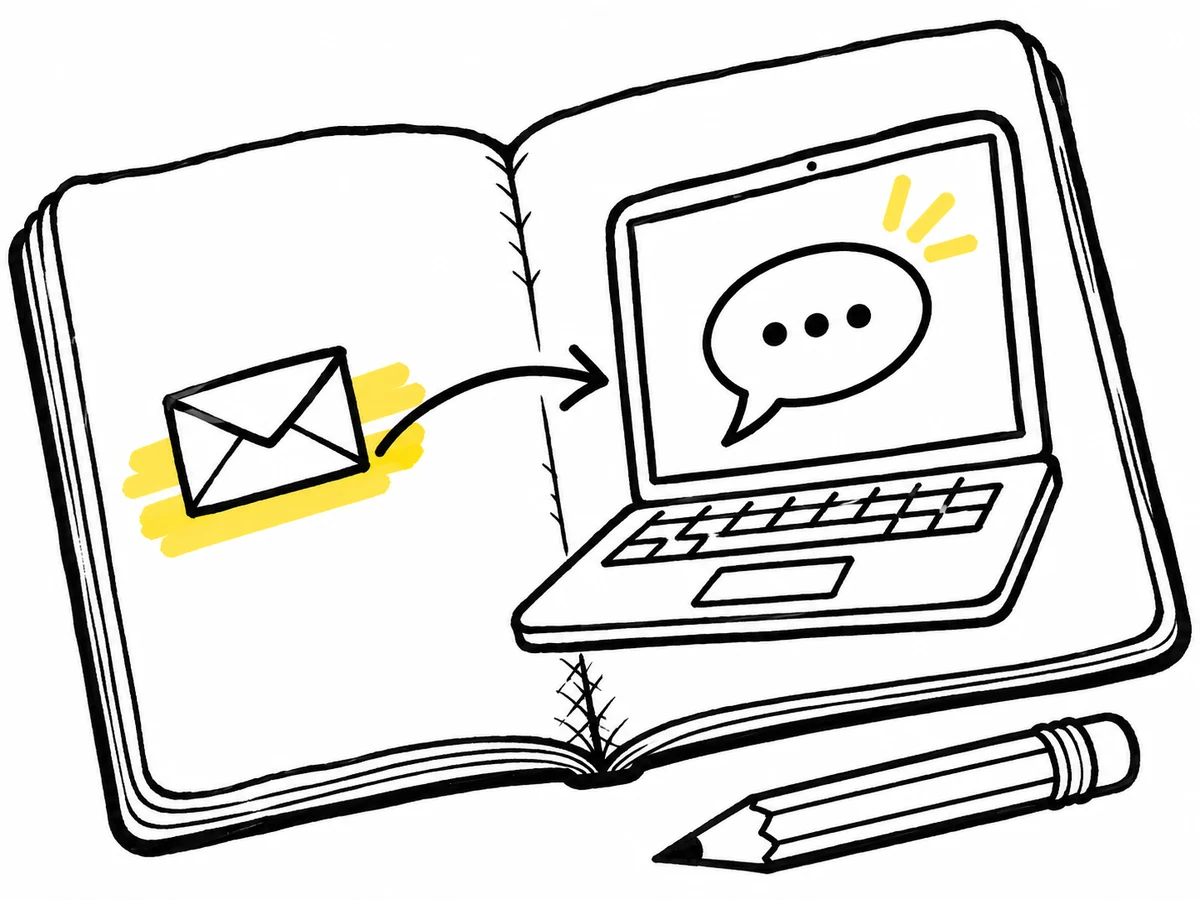
See how a computer learns from examples, what happens when you ask a chatbot a question, and why a convincing answer can still be wrong.
Trace a photo through Figma Weave, follow an image through ComfyUI, or see how a still frame becomes a moving shot in Runway.

Find a term in the glossary, bookmark a useful explanation, or take your notes and a chapter PDF back to your own desk.
From chapter one
A shop receives a request about a broken mug. Follow the same words through three systems to see what each one actually produces.
Illustrative customer message
“The blue mug arrived cracked. Can I get another before Friday?”
Written rule
The shop’s filter looks for the word “refund.” Those letters never appear in the message, so the filter takes its default route. A person wrote that condition.
Classifier
Staff previously labeled examples as Damaged item, Delivery or Billing. A classifier learns patterns in those examples. Here, “arrived cracked” helps it pick one of the existing labels.
Generator
A language model builds a reply a piece at a time. One possible draft is “What is your order number?” A staff member still has to check the order, stock and delivery date.